OTP Mistakes I Keep Seeing — One of Them Almost Cost My Cousin His Wallet Account
21 October 2026 · Safety
The phone call that started this post
My cousin called me last month in a proper panic. Not the "I lost my phone" panic. The quiet one, which is worse.
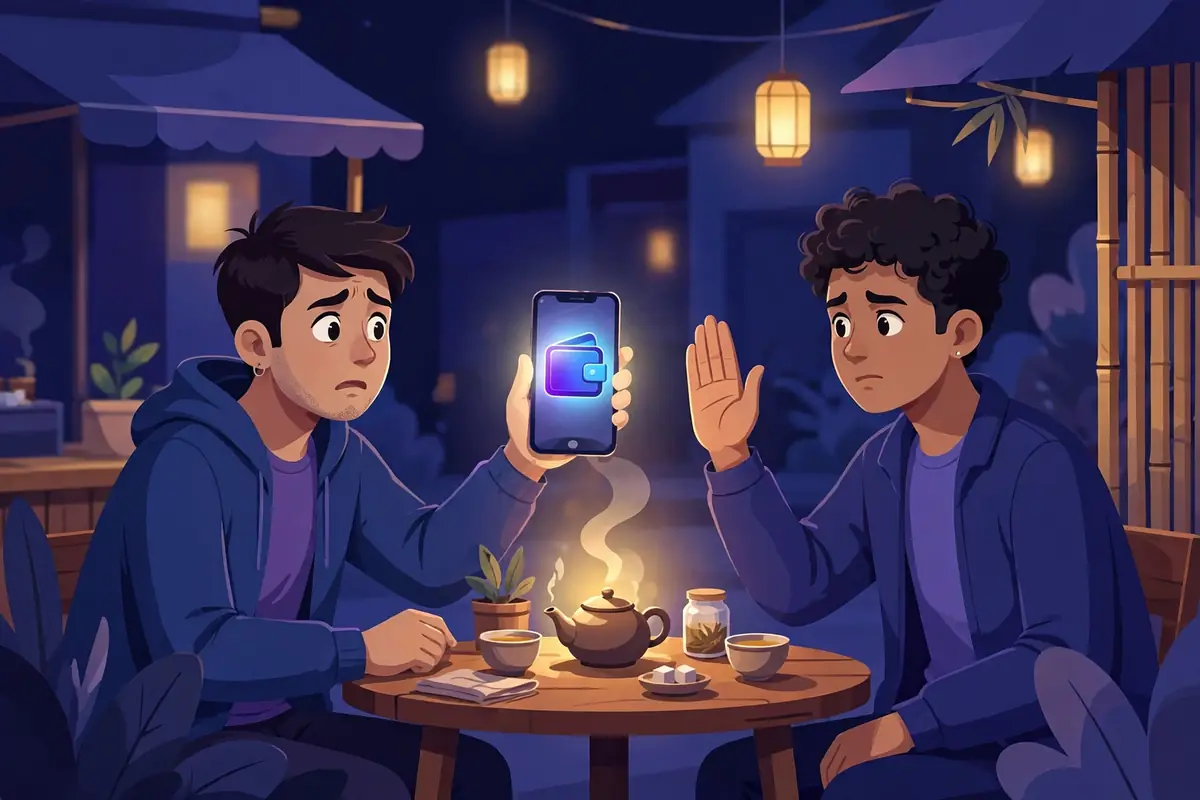
A man had phoned him ten minutes earlier claiming to be from a courier company. There was a parcel, apparently, stuck somewhere, and a small fee had to be paid to release it. While they talked, a code arrived on my cousin's phone by text. The man asked him to read it out "so the parcel can be verified." My cousin read the first two digits — then something in his head made a noise, and he hung up.
Good instinct. That code had nothing to do with any parcel. The man on the phone was, at that exact moment, sitting on the login page of my cousin's mobile wallet, typing in his number, waiting for the code that only my cousin could see. Two more digits and a confirmation tap, and the money in that account would have been on a very fast journey somewhere else.
I see verification codes all day at , and this story is not rare. So here's my honest list of the mistakes I keep watching people make.
Mistake one: treating a code like a message instead of a key
Here's how I explain it to family now. A code isn't information. It's a key that happens to be made of digits.
If a stranger phoned you and said, "Quick, hand me your house key, I need to check something," you'd laugh and hang up. But the same stranger says "read me the code that just arrived" and somehow it feels like paperwork. Helpful. Harmless. It's neither. The person on the login screen doesn't need your password, your ID card or your life story — the code alone completes the job, because the whole point of the code is to prove the person typing it is you.
So the rule in our house is now stupidly simple: codes are typed, never spoken. Not to a courier, not to a "bank officer," not to a support agent, not to a cousin. Nobody legitimate will ever ask. I've written the longer version of this in our OTP safety guide if you want to send it to your own family group chat, which, honestly, you should.
Mistake two: typing the right code into the wrong place
This one is sneakier, because no human talks to you at all.
You get a message — a delivery failed, your account will be closed, your parcel is waiting — with a link. The link opens a page that looks exactly like the real login page. Same logo, same colours, same slightly annoying layout. You type your password. Then it asks for the code, which arrives a second later because the scammer is feeding your password into the real site in real time, like a relay race where you're passing the baton to the wrong team.
How do you catch it? Slow down and look at the address bar. Not the logo — logos are free to copy — the actual address of the page. And on principle, don't reach important accounts through links in messages at all. Close the message, open the app or type the address yourself, and log in there. It takes twenty extra seconds. Those twenty seconds have saved more accounts than any antivirus I know.
Mistake three: shrugging when a code shows up out of nowhere
Tell me if this sounds familiar. You're eating dinner, your phone buzzes, there's a login code for some account — and you didn't ask for one. You stare at it for a second, think "weird," and go back to your food.
Don't enter it anywhere, obviously. An unused code dies on its own in a few minutes. But don't fully ignore it either. That code means someone got past the first step of your account — usually they have your password. So later, open the real app, change the password, and check the recent activity. Every "weird code" in my family turned out to be a password reused on some old site that leaked. Every one.
And while we're on the subject — the flip side of this mistake is requesting codes for important accounts into a throwaway inbox. Codes for your bank, your wallet, anything with money or your identity in it belong on an address you control permanently and privately. A temporary inbox is for throwaway stuff. I've written about where your email address travels after you share it, and it's exactly why the important stuff shouldn't travel at all.

What a normal code moment actually looks like
A healthy OTP moment, by contrast, is boring. You open an app. You tap "send code" yourself. It arrives. You type it into that same app, on the page you were already looking at. Done. Nobody calls. There's no parcel, no deadline, no officer.
For unimportant signups — trials, one-time accounts, the "give us your email to see this price" nonsense — I don't involve my real address at all. I open a temporary inbox, let the code land there, and let the whole thing expire an hour later. If a scammer ever gets that address, they've got nothing. It's already gone.
And if an account turns out to matter after all? That's what permanent inboxes are for. My cousin changed his wallet password that same night and now reads codes to absolutely no one. Not even me, he says. Fair enough.