After a Data Leak, Your Email Address Is the First Thing They Come For
23 October 2026 · Privacy
A forum I hadn't visited in maybe six years got breached last spring. I only found out because a friend sent me a screenshot with my email address in it, sitting in a text file next to a password I half-recognised. Half-recognised is the scary kind. It meant I'd used some version of it in more than one place, and I couldn't honestly tell you where.
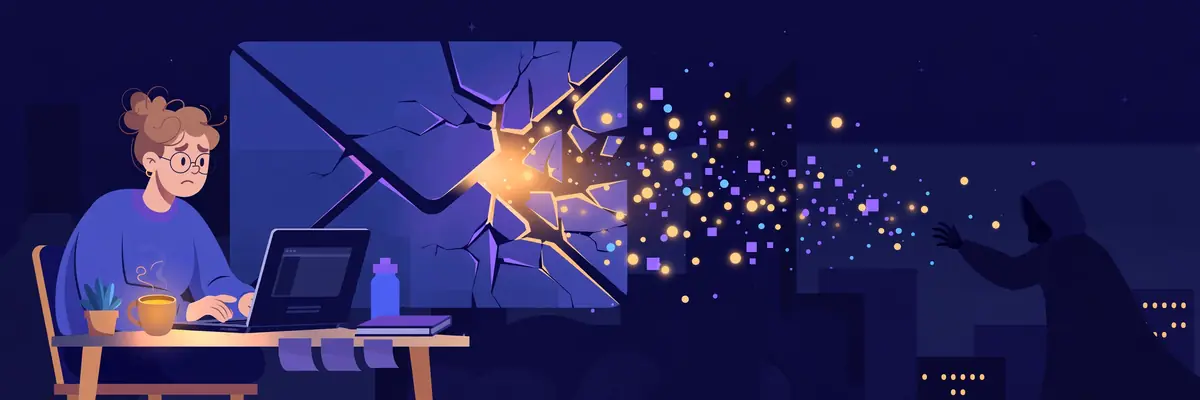
Nothing dramatic happened to me, in the end. But I spent a weekend changing passwords, and while I was doing it I finally bothered to understand what actually happens to a leaked list. It's less glamorous than the movies, and much more annoying.
Nobody hacks you. A script just tries your keys everywhere.
Here's the plain version. A leak is usually just pairs: email address, password. Millions of them in a file. Nobody sits there reading yours and thinking about you personally. The file gets fed to automated tools that take each pair and try it, quietly and at scale, on the login pages of shops, email providers, social apps, delivery services — anywhere an account is worth having.
This has a name, credential stuffing, but the name makes it sound fancier than it is. It's a copying machine. Your pair either opens a door or it doesn't. Where the same password guards five accounts, one leak opens five doors, and the tries happen while you sleep. The first sign is often an OTP code arriving for something you didn't request — which is why the rules in our OTP safety guide are worth the two minutes they take to read.
And notice what the key is made of. The password is only half of it. The other half is the address — the same address, everywhere, tying all your accounts into one neat bundle with your name on it.

Unique passwords cut the list down to one door
You already know this advice, I know, I know. Every site nags you about it. But here's the version that finally made it stick for me: a unique password doesn't make a leak less likely. It makes a leak boring. The pair in the file opens exactly one account — the one that leaked — and that account is usually the one you cared about least.
Use a password manager if your memory is human like mine. Let it generate the ugly strings. The only password I actually know by heart now is the one to my main email account, and that's deliberate, because that inbox is the reset button for everything else. Guard the reset button. Everything else can be a random squiggle.
The other half of the key: stop handing out your real address
This is the half people skip, and honestly it took the forum leak to teach me. Think about where your main address has been typed over the years. Every coupon signup. Every free download. Every app you opened once in 2021. Each of those databases is a future text file with your name in it, waiting for its turn.
So now the throwaway stuff doesn't get the real address at all. One-time signups get a temporary inbox from — the code arrives, I use it, the inbox deletes itself, and if that service leaks next year it leaks an address that no longer exists and was never attached to anything else. Services I actually use and pay for get a permanent inbox of their own. My real address goes to my bank, my work, my family, and almost nobody else.
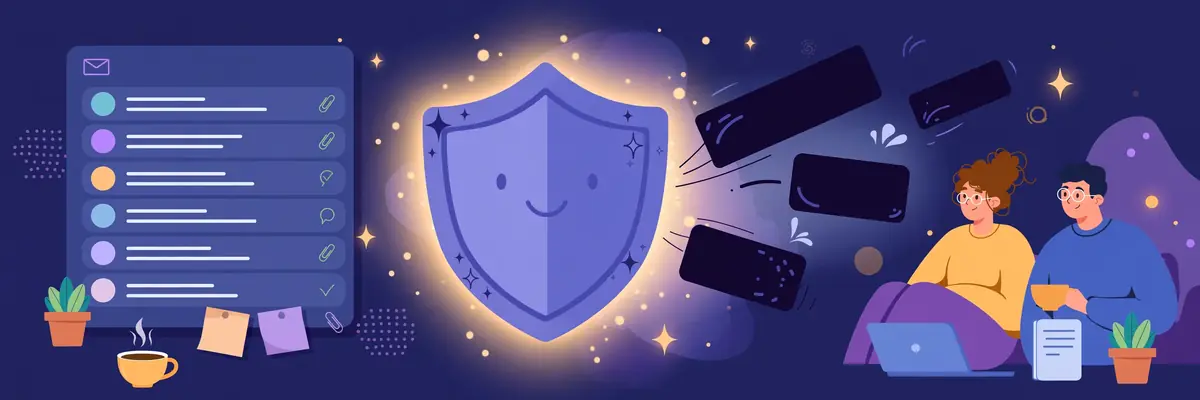
Does it make me leak-proof? No. Nothing does, and anyone who promises you that is selling something. What it does is shrink the blast radius. A leak goes from "my whole online life, indexed" to "one junk account I forgot existed". I'll take that trade every day of the week. There's more on the day-to-day side of it in our spam guide, if your problem is less "breach" and more "my inbox is a landfill".
If your address is already out there
Assume it is, honestly. Addresses from old leaks circulate forever. The useful response isn't panic, it's a short list: change the password on your main email first, then anything financial, then work through the rest as you touch them. Turn on two-factor where it's offered. And the next time a signup form asks for your email and you feel that little flicker of "do I actually care about this?", listen to it. That flicker is the whole system working.
Start with the easy part. Next throwaway signup you do, run it through a temporary inbox instead of your real one, and watch the verification email land like normal. It takes ten seconds, and it's one less copy of your address sitting in a stranger's database.