The Day My SIM Stopped Receiving OTPs
23 October 2026 · Safety
My SIM stopped receiving OTPs on the worst possible day. I was in a basement parking lot trying to log into my ride-hailing app — new phone, fresh install, needed the SMS code. The code never came. I requested it four times. Nothing. I stood there for twenty minutes pressing 'resend' like it owed me money, then took a very expensive regular taxi home, furious at everyone involved.
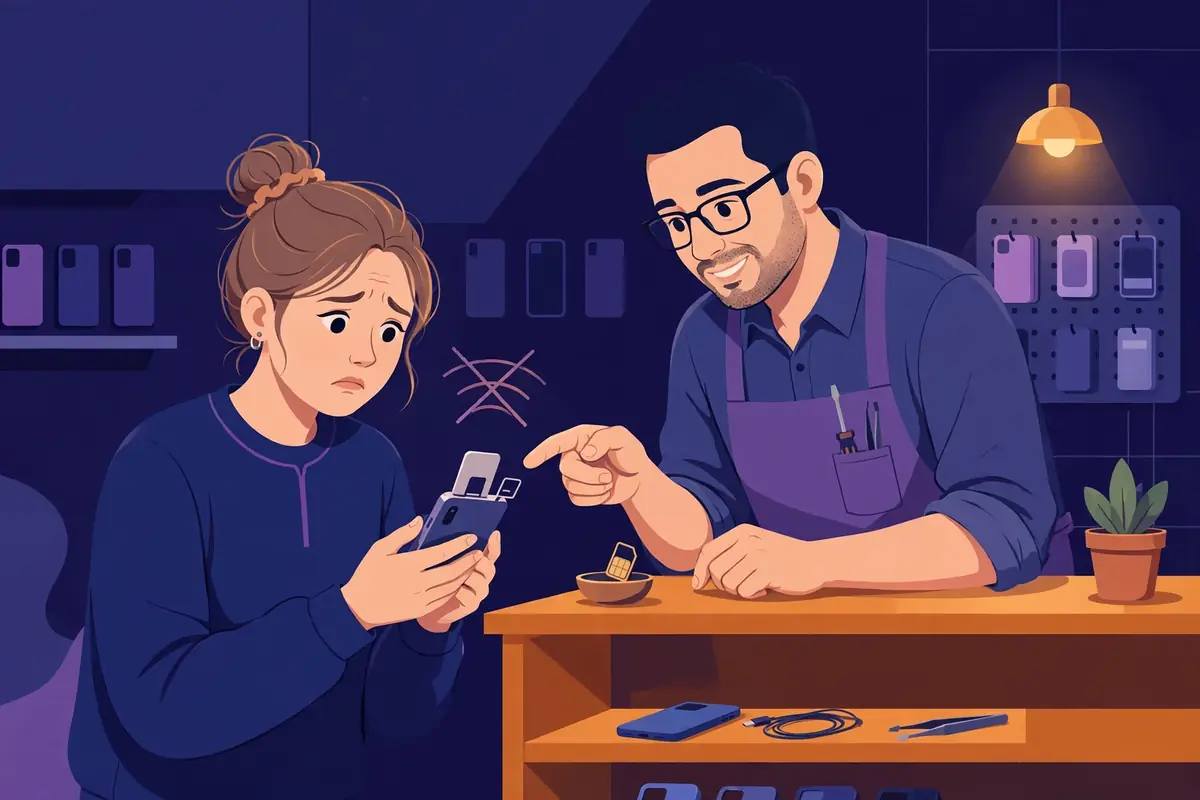
The SIM wasn't dead — calls worked fine. It was one of those network gremlins: SMS delivery silently failing while everything else looked normal. The carrier helpline said 'restart your phone and wait 24 hours'. Twenty-four hours. In a world where every login needs a code, being SMS-blind for a day is like losing your keys, your ID, and your wallet at once.
Single point of failure
That day taught me something obvious that I'd never thought about: most of us have exactly one channel for verification codes — our phone number. If the SIM glitches, if you're abroad without roaming, if you're in a dead zone, if you lose the phone — you're locked out of everything at once. Banks, email, apps, all of it, all waiting on six digits that travel through one fragile pipe.
And here's the kicker: half the services that demand SMS codes also offer email verification as a fallback. We just never set it up, because the SMS always worked — until the day it didn't. I've written about OTP mistakes before, and this is the one nobody sees coming: having no backup channel at all.
The backup nobody thinks about
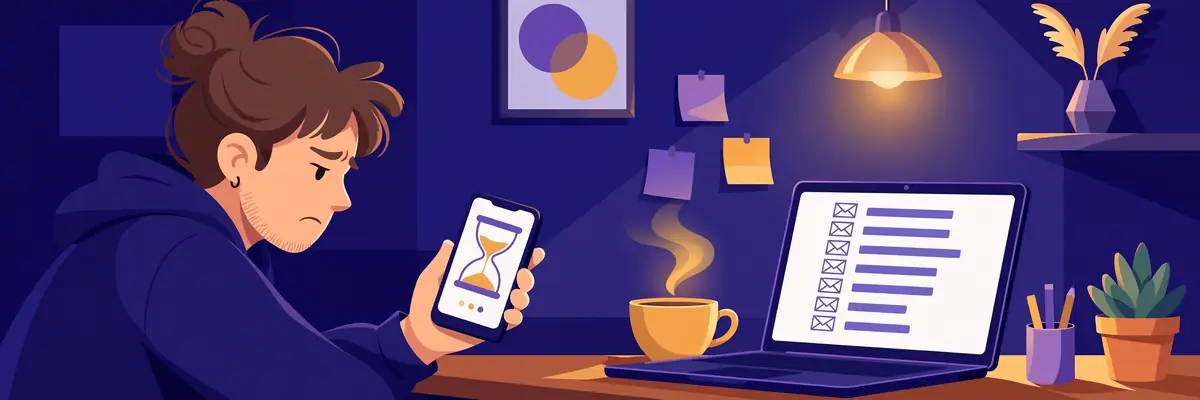
My fix is boring and it works. For every service that allows it, I now keep email-based verification enabled alongside SMS — and that email is a permanent inbox, not my cluttered personal one. When the SIM glitched again last month (different gremlin, same carrier), I just switched the login to email code, watched it arrive in seconds in a clean inbox, and carried on with my day.
For the accounts where it doesn't matter much — forums, tools, random signups — I go further and use a temp inbox for the whole verification. Code arrives, I copy it, done. No SIM involved at all. It's genuinely faster than SMS most of the time, because there's no carrier in the middle having a bad day.
Two things to actually do today, takes ten minutes: one, check your most important accounts (email, bank, cloud storage) and turn on email-based 2FA or backup codes where offered. Two, read the OTP safety guide — it covers the timing traps that bite even when the code does arrive. Your SIM will fail you eventually. Make sure it's an inconvenience, not a lockout.
The third channel: an authenticator app
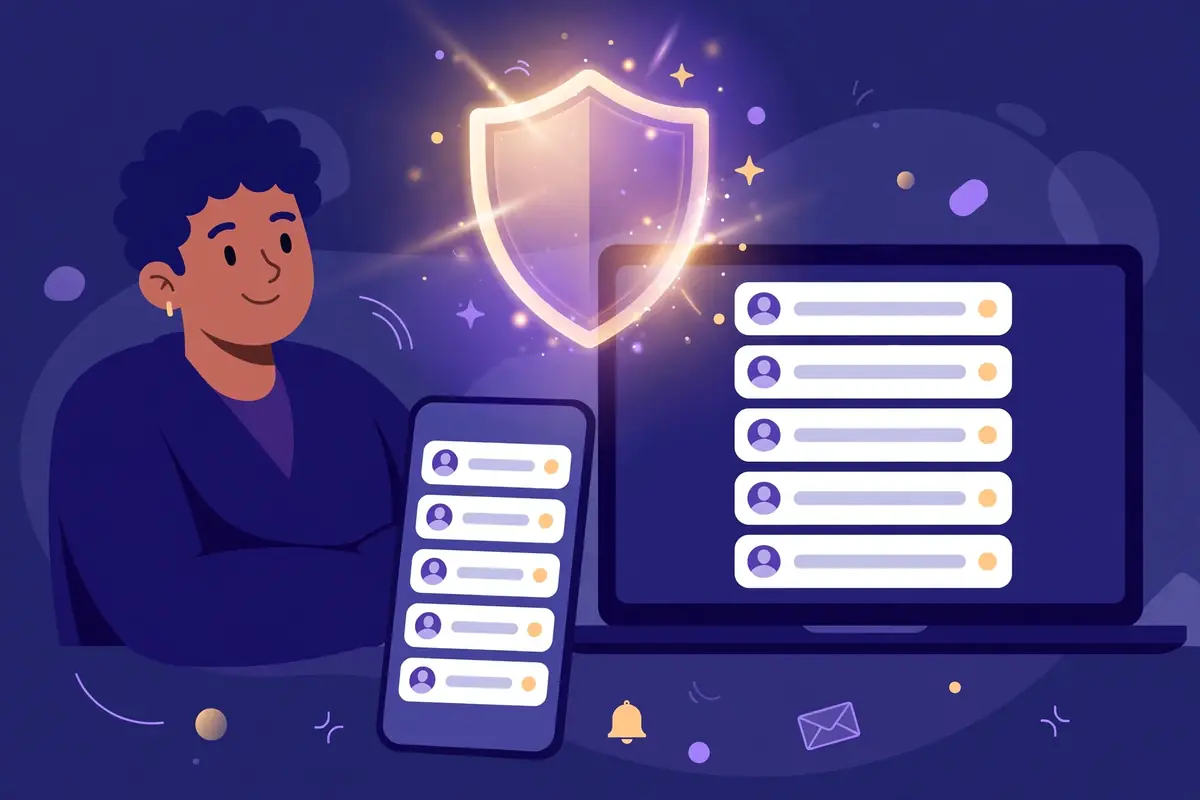
SMS plus email is two channels, and two is good. But if you want to be genuinely hard to lock out, add a third: an authenticator app. Those six-digit codes that change every thirty seconds live on your device, need no signal at all, and work in basements, on airplanes, and in countries where your SIM is a useless piece of plastic. Setup takes about two minutes per account — scan a QR code, done.
I resisted authenticator apps for years because they sounded technical. They're not. It's just an app that shows numbers. The only real rule: when you set one up, save the backup codes it gives you, because if you lose your phone without backup codes, you've built yourself a very secure prison. Paper notebook. 2009 style. I wasn't joking about that.
My current setup, for the curious: authenticator app first, email codes second, SMS last. SMS is the weakest link — it's the one that fails in basements and gets intercepted in attacks — so it's my backup's backup, not my front door. Rank your channels deliberately instead of accepting whatever the app suggests first. The OTP guide goes deeper on which channel to trust when.